Proposals that set up the project when the client accepts
Send a proposal with your scope and fees. When the client accepts by typing their name, Paradesk creates the client, project, contract, and kickoff tasks, and a first draft invoice if you want one.
Free for 14 days, with every feature included.
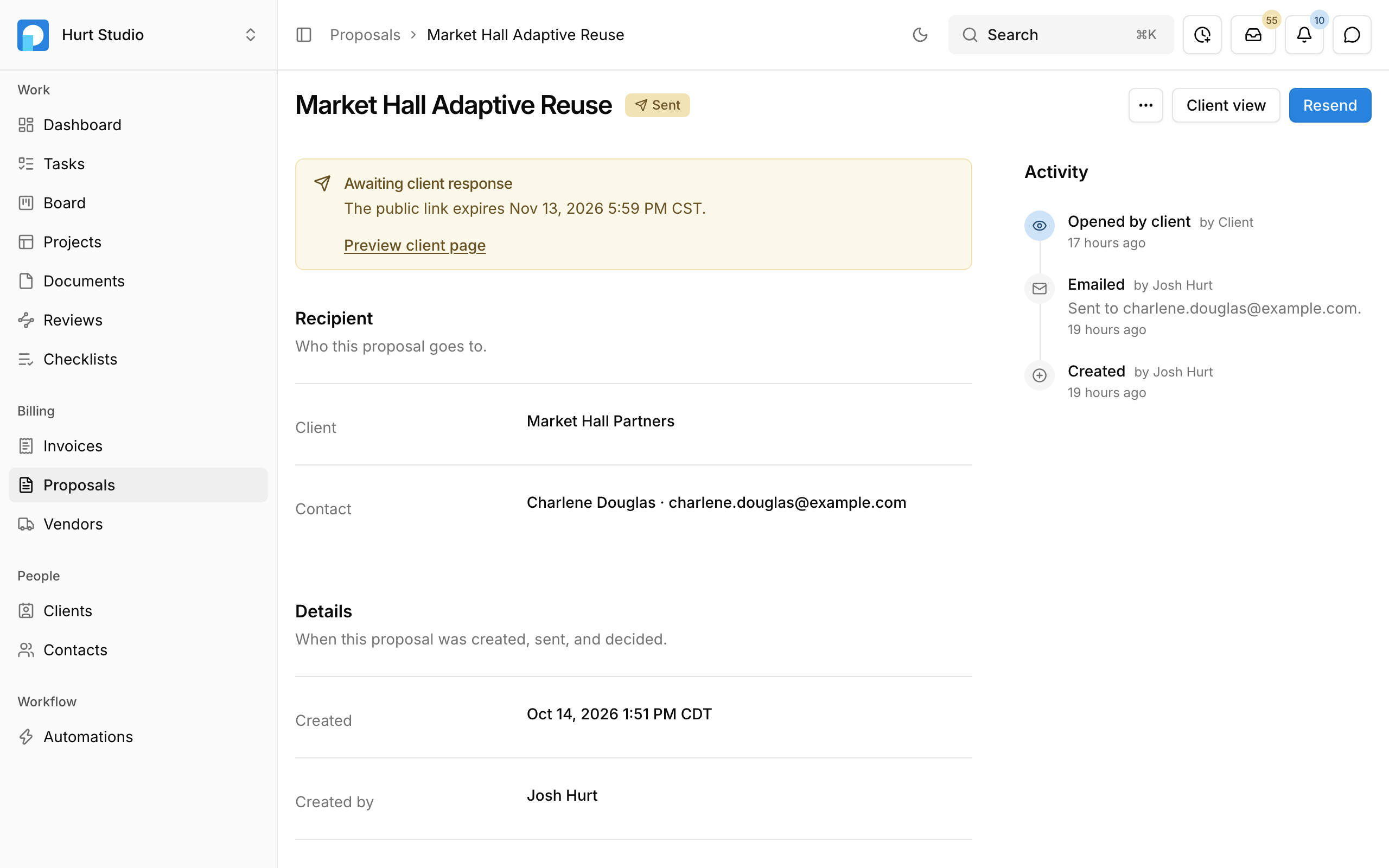
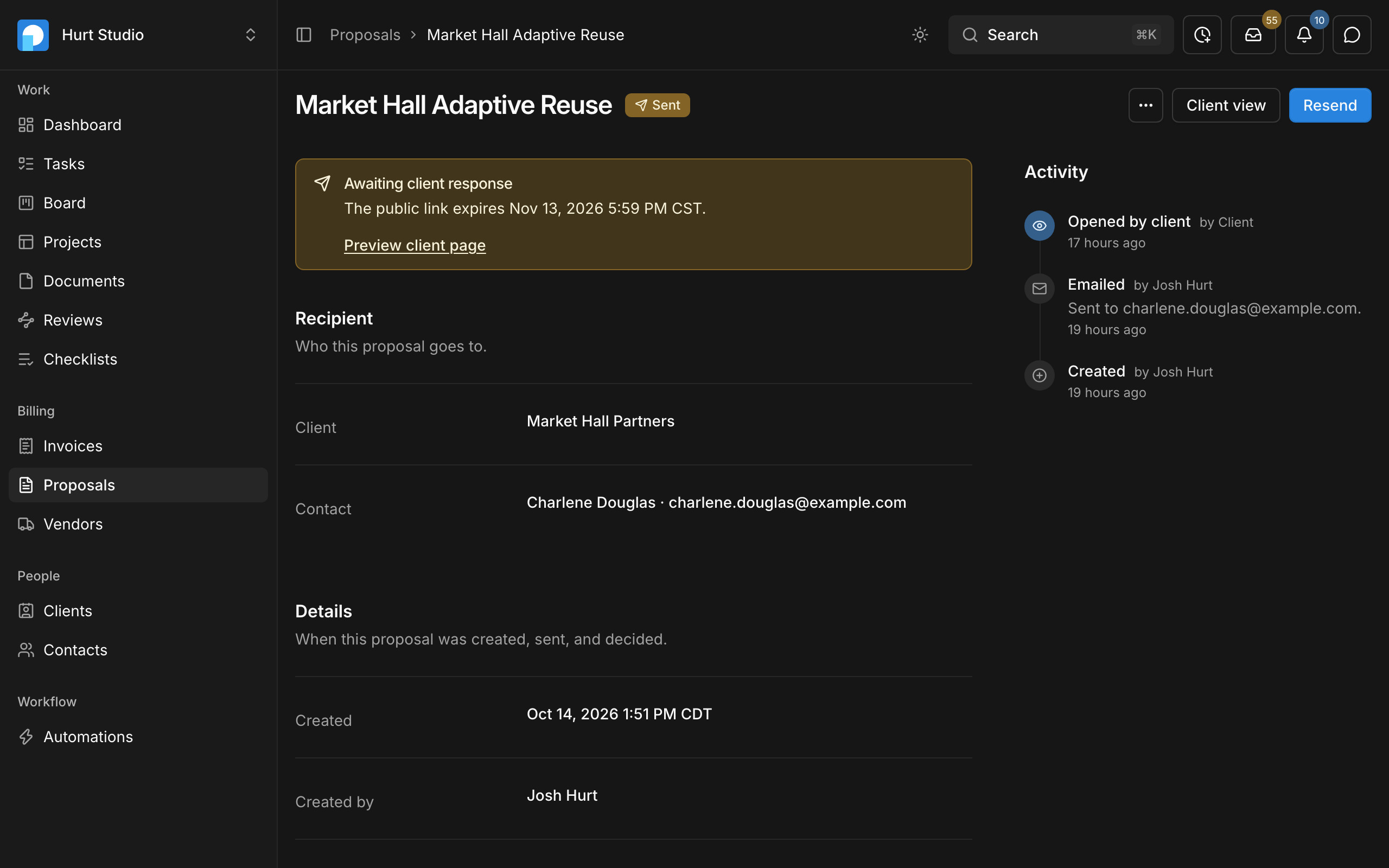
- 1A sent proposal waits for the client's response, with the date its link expires.
- 2The client and the contact it goes to.
- 3The activity log records when it was emailed, opened, and accepted or rejected.
Accepted proposals usually get retyped in three other places
The proposal already has the scope, the fees, and the client's details, but they get entered again as a project, a contract, and a first invoice. Paradesk sets those up from the proposal when the client accepts.
Clients accept the proposal from a link in their email
Send the proposal by email with a signed link that's valid for 30 days by default, or download it as a PDF. Your client reads the scope and fees and accepts by typing their full name, and you can preview what they'll see before you send it.

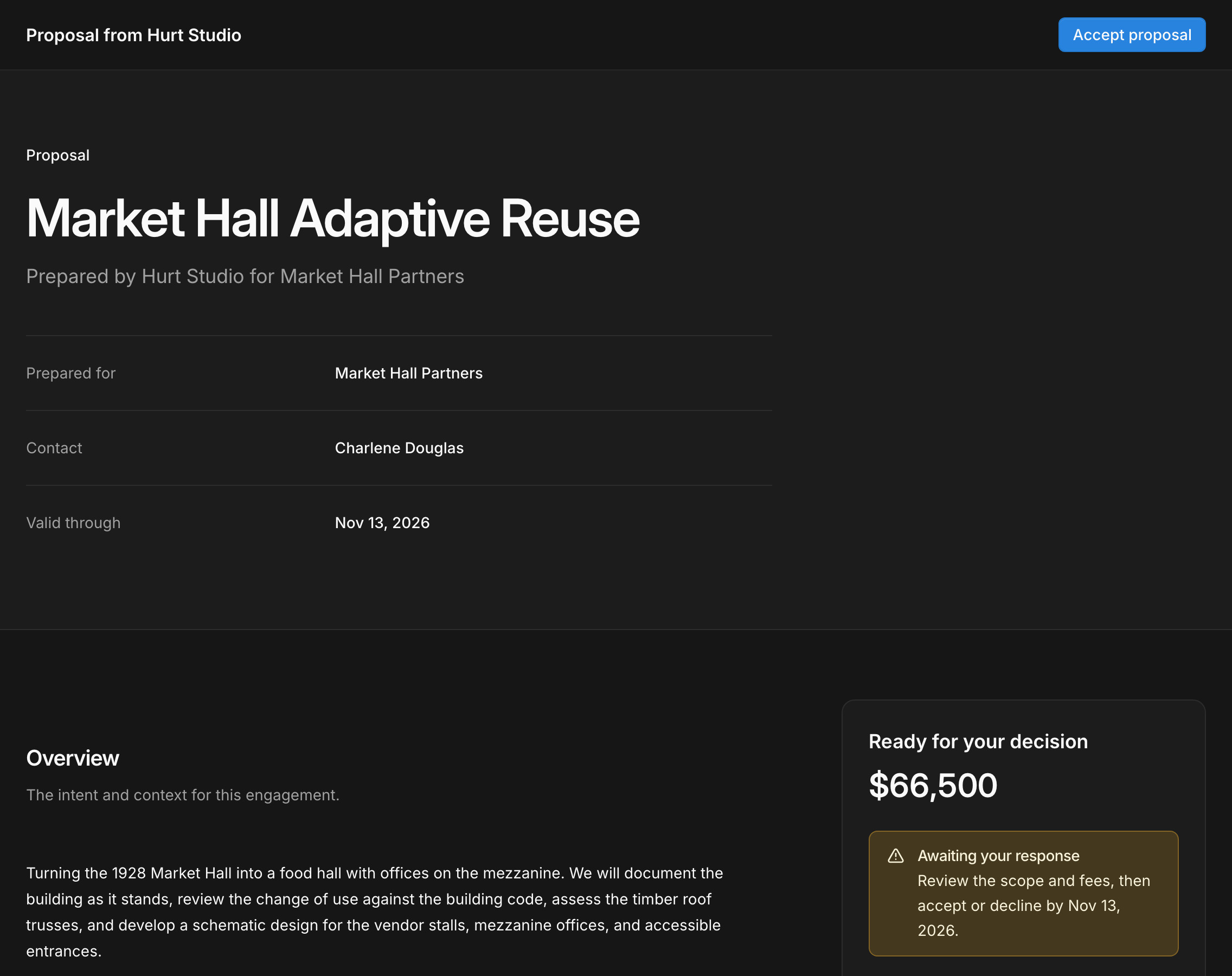
- 1Clients open the proposal from a link in their email.
- 2They accept by typing their full name.
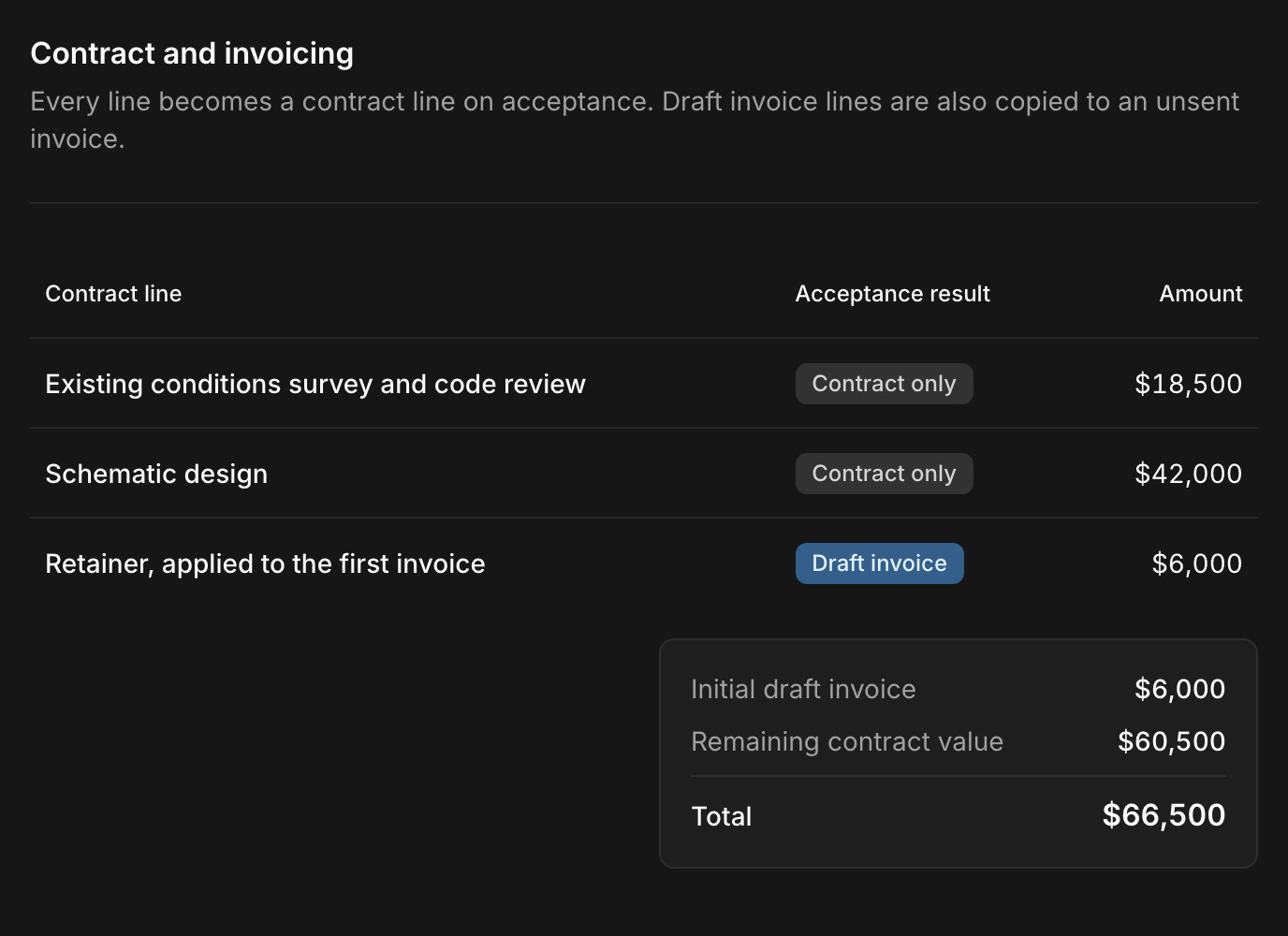
Choose what gets billed when the client accepts
Each line on the proposal becomes a line on the contract. Mark a deposit or any other line for the first invoice, and Paradesk drafts that invoice as soon as the client accepts, ready for your team to review and send.
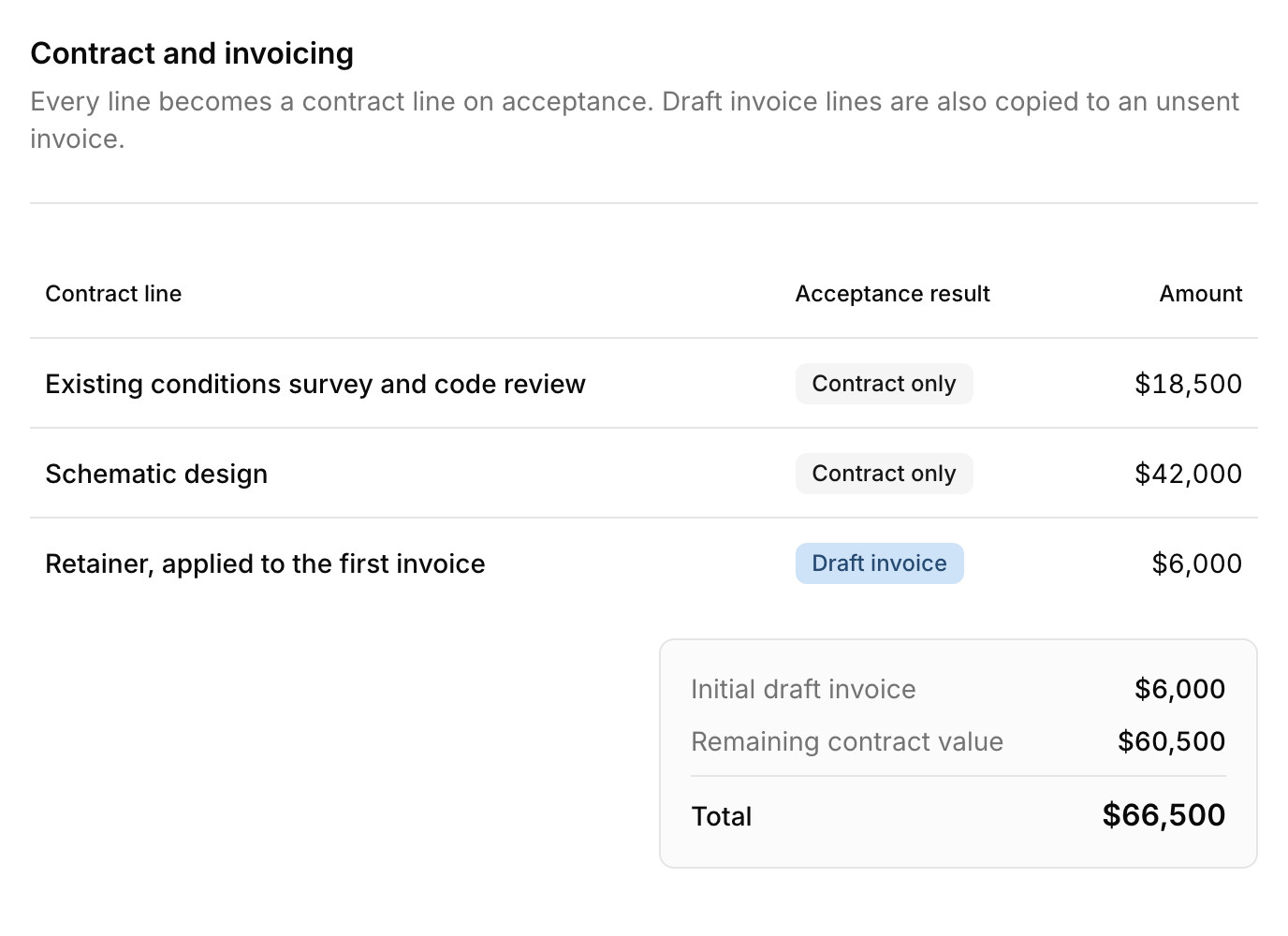
What goes in a proposal
A portal for your client's invoices
Sign-in with an emailed code
Common questions
Try Paradesk on a project you're working on now
Set up a project with its contract and phases, invite your team, and give the assistant some of the routine work. Your first 14 days are free, with every feature included.